
How it works
From a box in the cupboard to a working door, in under thirty minutes.
Most access control projects begin with a site survey and end with an invoice from an electrician. iENTR begins with an iPad you already have. There is nothing to pair, nothing to wire and nothing to schedule.
01
Mount an iPad
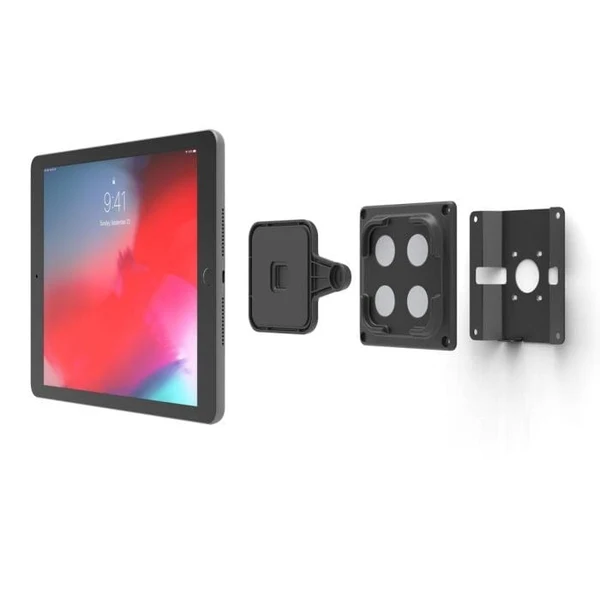
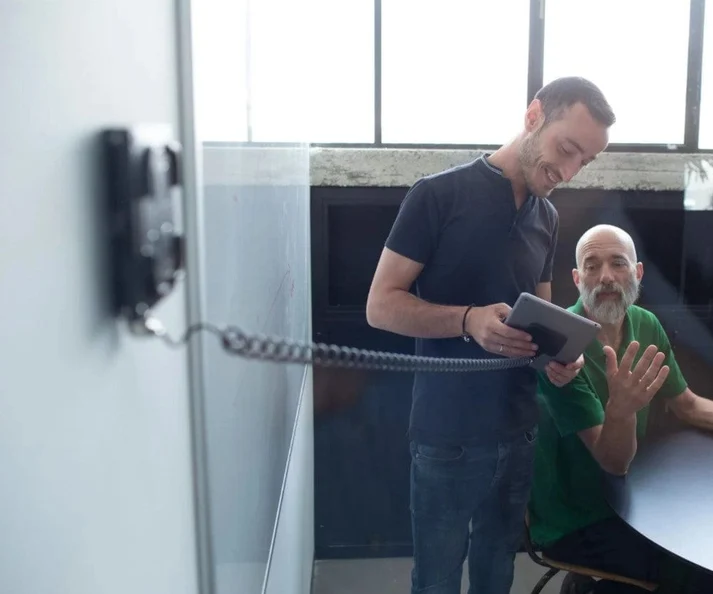
Any iPad from the last several generations, in any enclosure, at any entrance. Install the iENTR app, sign in and name the door. The device becomes a scanner.
What you need:
an iPad, a mount, power and, ideally but not necessarily, Wi-Fi.
What you do not need:
a controller, a hub, a proprietary reader, a cable run, an electrician or a site visit.
02
Enrol your people
Enrolment takes about thirty seconds per person. The app captures five angles and the consent screen is part of the flow, not a form somebody remembers to hand out afterwards. Import a whole team by CSV and enrolments appear at every site immediately.
On consent.
The screen states what is collected, why, how long it is kept and that a non-biometric alternative is available. That wording is not decorative. New Zealand's Biometric Processing Privacy Code requires notification with due particularity, including whether alternatives exist.
On people who decline.
They get a card, a PIN or a QR code and every feature works identically. Nobody is required to enrol a face.
03
Walk in
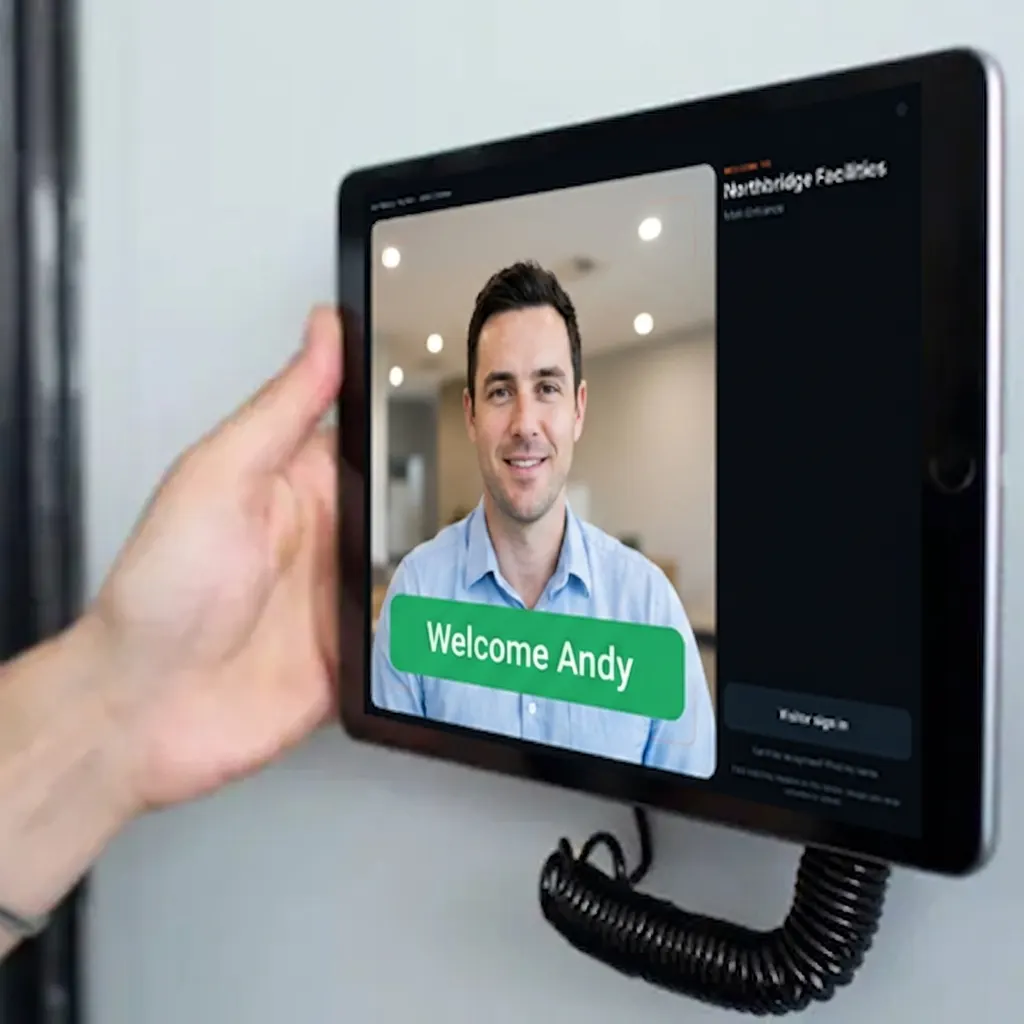
A person steps up, the match completes in under a second, the door releases and the record is written. No badge to find, no code to remember, no glove to remove.
When the network drops.
The device keeps recognising from its local cache and keeps releasing the door. Records queue and sync the moment the connection returns. On a site with patchy coverage this is the difference between a system and a doorstop.
What gets written.
Person, door, direction, timestamp. Not a photograph of everyone who walked past.
The thirty minutes, honestly
| Minute | What has happened |
|---|---|
| 0 | App downloaded, account created |
| 4 | First site created, first door named |
| 8 | First person enrolled |
| 22 | Team imported by CSV, consent screens live |
| 28 | First door opened by face |
| 30 | First entry record exported |
That is a real sequence, not a marketing round number. If yours takes longer, tell us where it stalled.
Try it on one door.
Seven days free, cancel any time. Mount the iPad, pair it with one code and you are running inside half an hour.