
Billing, support & your account
Your account & security
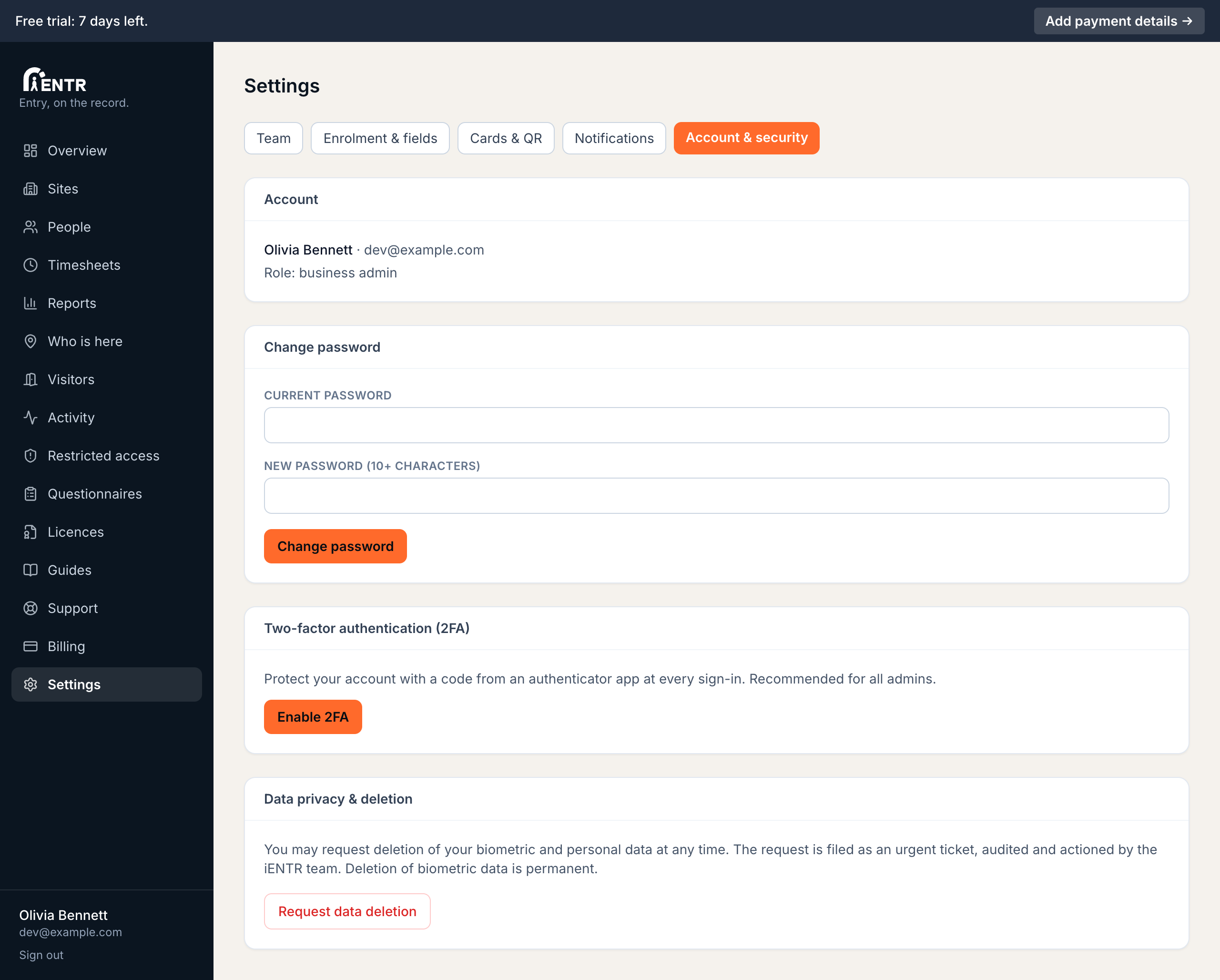
Your own account is secured from Settings: change your password, enable two-factor authentication with any authenticator app and file a formal data deletion request at any time.
4 min read · 3 steps
- 1
Password
Settings, then Account & security. Change your password any time; 10 characters minimum. Forgot it entirely? Use Forgot password on the sign-in page instead.
- 2
Two-factor authentication
Press Enable 2FA, scan the code with any authenticator app (Google Authenticator, Authy, 1Password), enter the 6-digit code to confirm. Store the recovery codes somewhere safe: they are your way back in if you lose the phone.
- 3
Data privacy
Anyone can request deletion of their biometric plus personal data. The request files as an urgent audited ticket actioned by the iENTR team. Deletion of biometric data is permanent.
Using iENTR at a workplace? See how the whole system fits your door.
iENTR for workplaces →Related guides
Try it on one door.
Seven days free, cancel any time. Mount the iPad, pair it with one code and you are running inside half an hour.