
Advanced settings
Questionnaires
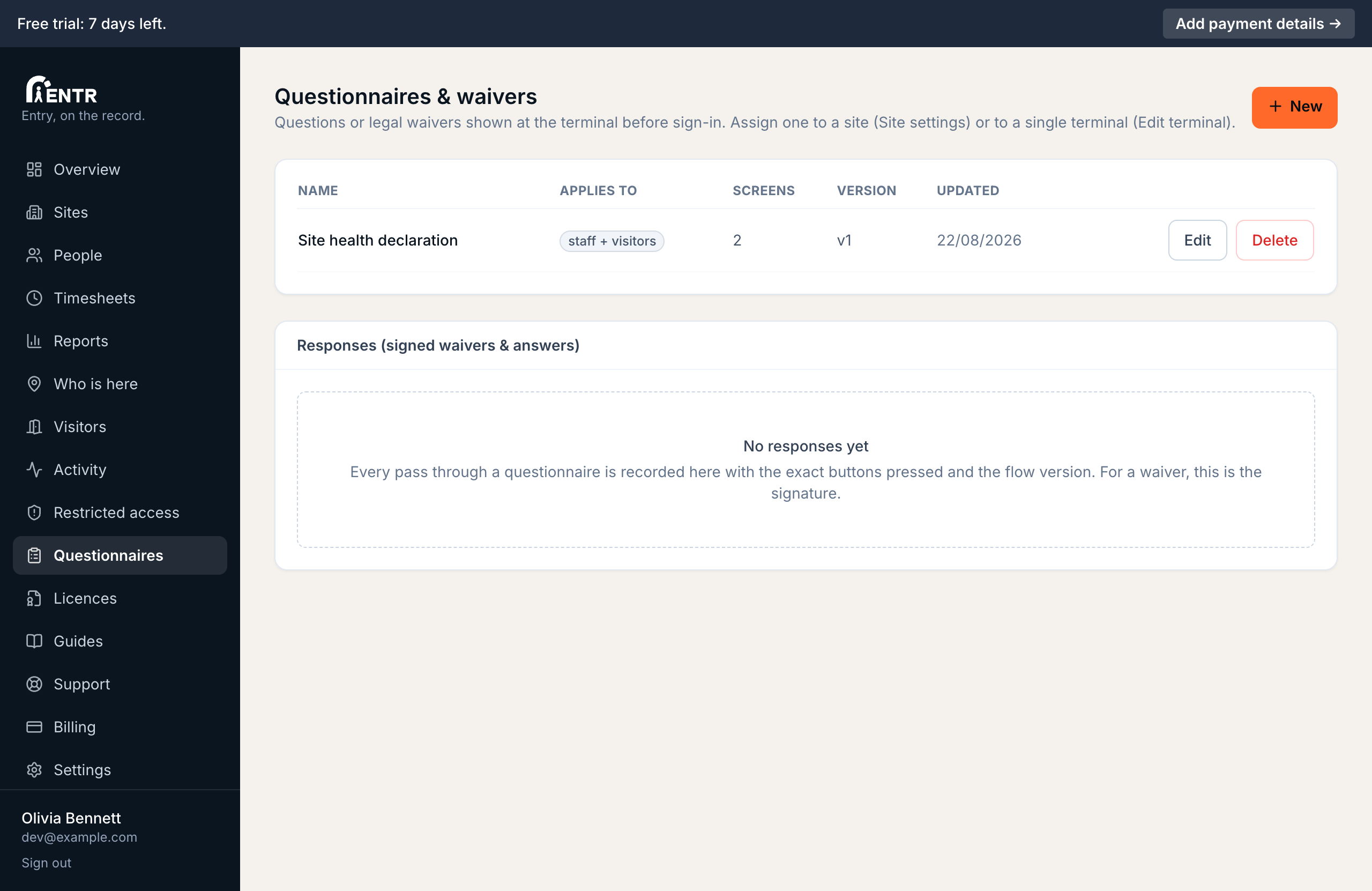
Questionnaires run at the terminal as part of signing in: health declarations, inductions or waivers built from screens with up to four buttons each, where a button can continue, hold the person for review or decline entry.
5 min read · 3 steps
- 1
Build a questionnaire
Open Questionnaires in the menu. A questionnaire is a series of screens, each with a title, body text (a question or a pasted waiver), up to four buttons. Buttons continue, jump to another screen, hold the person for admin review, or deny entry.
- 2
Choose who answers it
Each questionnaire applies to staff, visitors or both. Attach it to a site in Site settings; people answer at the terminal as part of signing in.
- 3
Design for the door
Keep screens short: one question each, big buttons. A deny path (I feel unwell) politely stops sign-in; a hold path flags an admin instead. Answers appear in the activity trail.
Using iENTR at a construction site? See how the whole system fits your door.
iENTR for construction →Related guides
Try it on one door.
Seven days free, cancel any time. Mount the iPad, pair it with one code and you are running inside half an hour.