
Day to day
Visitors
Visitors sign in at the terminal with a short form and either walk straight in or wait for an admin to approve them, depending on the site setting. Visitor records purge automatically on the schedule you set.
4 min read · 3 steps
- 1
The visitor experience
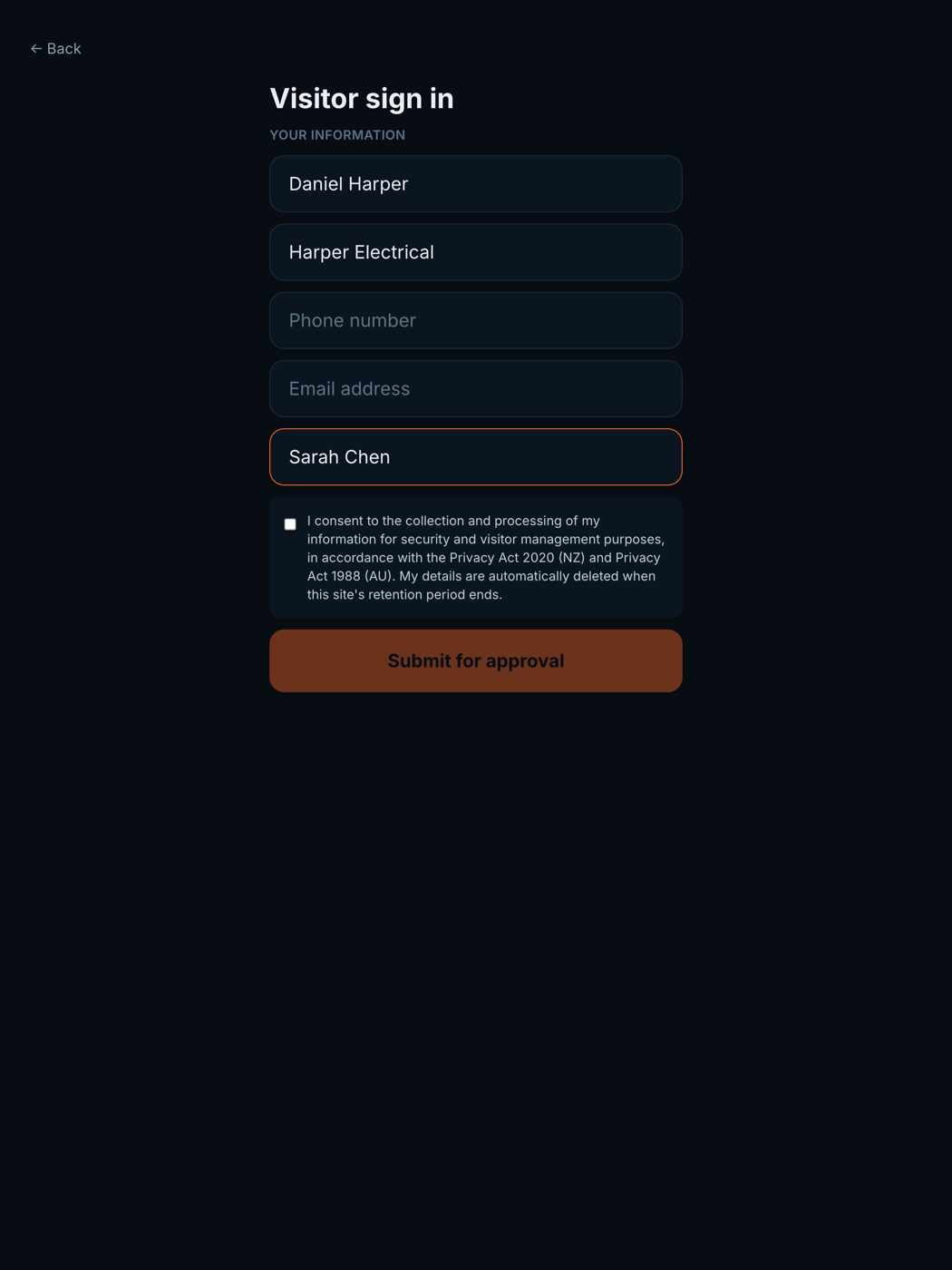
A visitor taps Visitor sign in at the terminal, enters their name, company, who they are seeing. Sites in Auto approval let them straight in; Manual approval holds them politely at the screen.
- 2
Approve from the dashboard
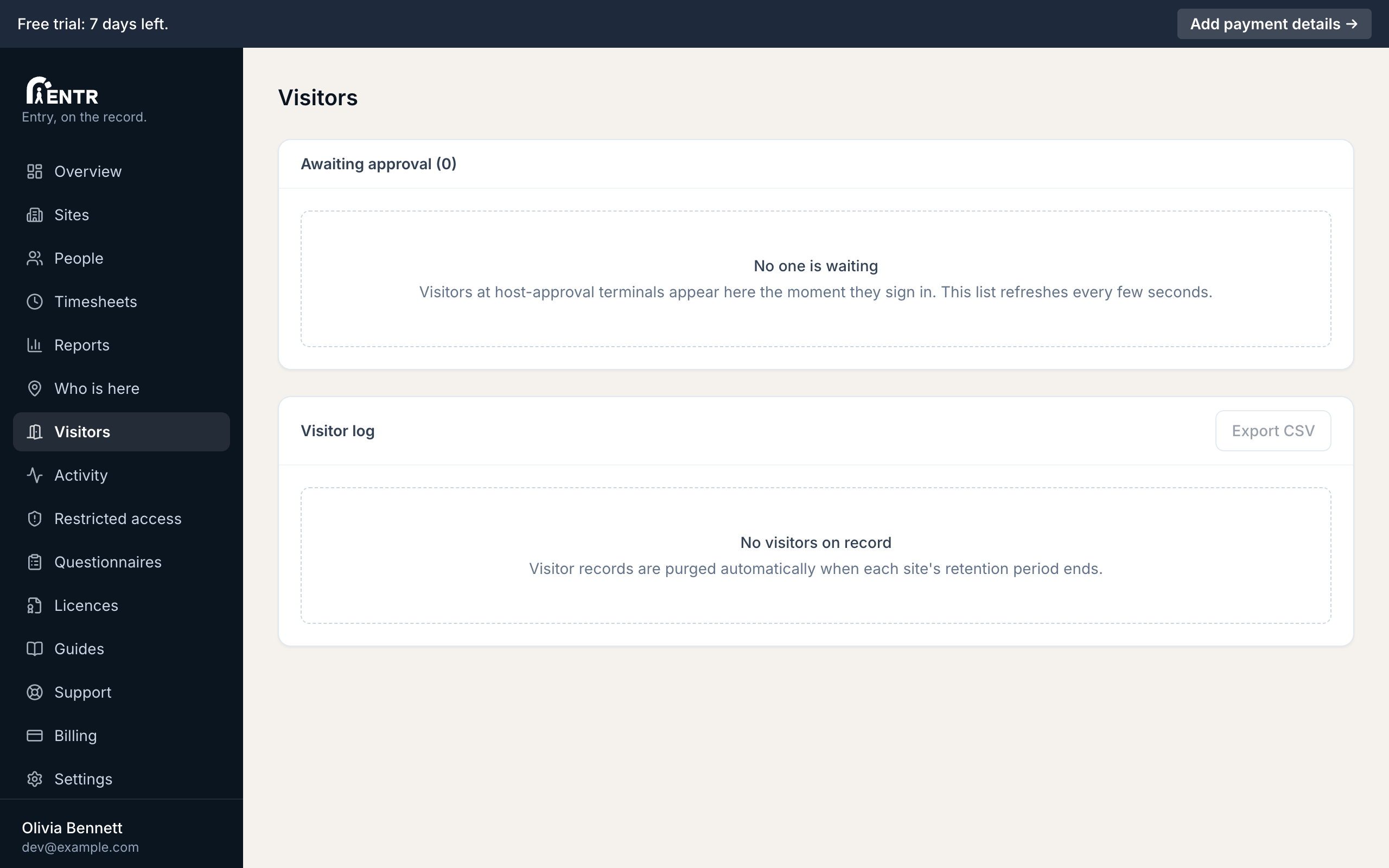
Pending visitors appear on the Visitors page plus as an email to the site's admins (when that notification is on). Approve or deny with one press; the terminal updates for the waiting visitor immediately.
- 3
Visitor privacy
Visitor records are kept for the number of days set per site, then deleted automatically. No face template is stored for visitors.
Using iENTR at a workplace? See how the whole system fits your door.
iENTR for workplaces →Related guides
Try it on one door.
Seven days free, cancel any time. Mount the iPad, pair it with one code and you are running inside half an hour.