
Terminals
Enrol mode: the registration station
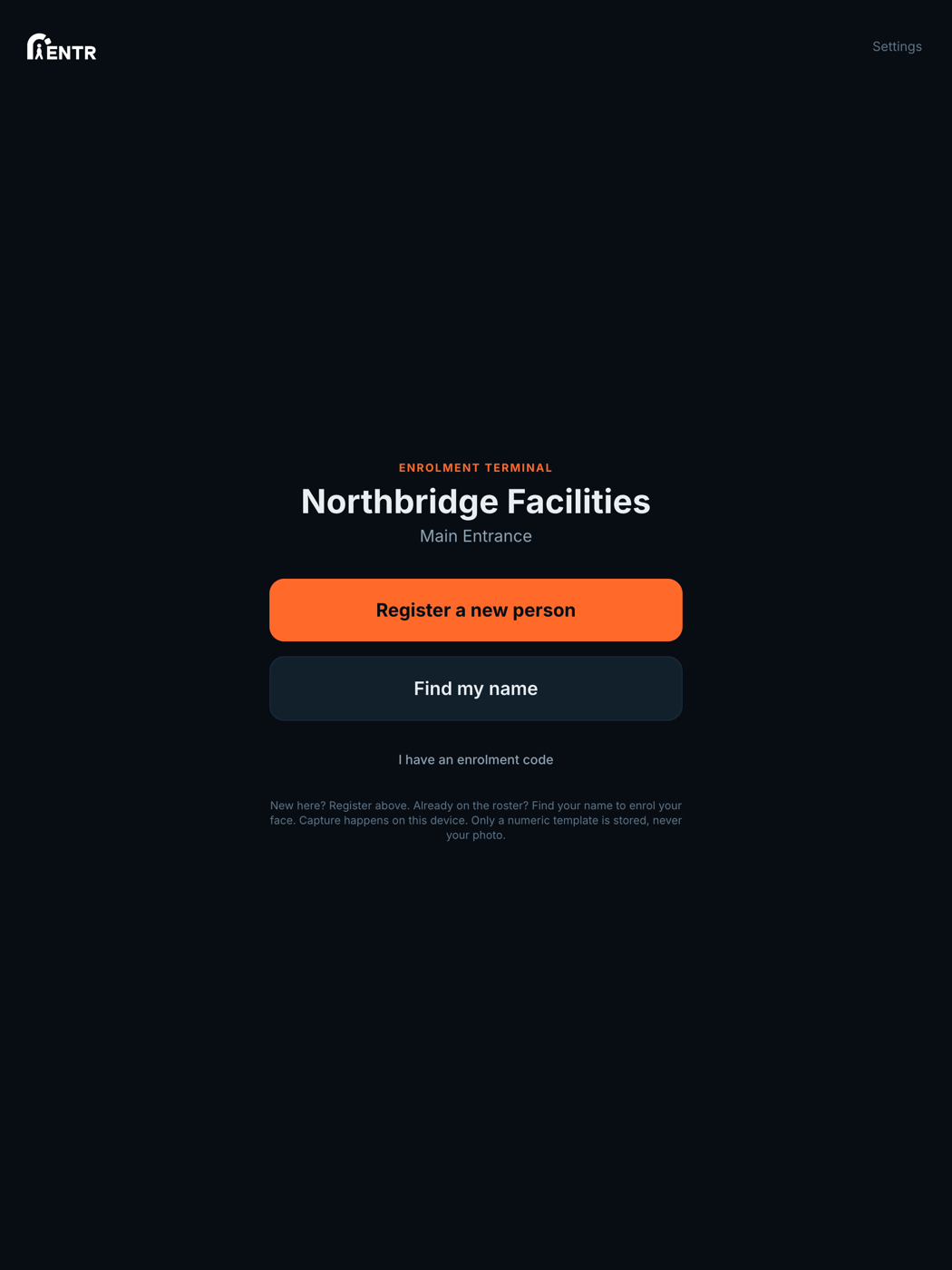
Enrol mode turns an iPad into a registration station for onboarding days: people either register as new or find their name on the roster, then follow the consent and face-capture flow on the spot.
4 min read · 3 steps
- 1
What Enrol mode is for
On induction days or at a staffed reception you often want a dedicated iPad whose only job is registering people. Enrol mode shows two big choices: Register a new person, Find my name.
- 2
Register a new person
For someone not yet in your system. They enter their details (plus any custom fields you have defined), accept the biometric consent, then capture their face with the guided oval. They are added to the site's roster as a standard user.
- 3
Find my name
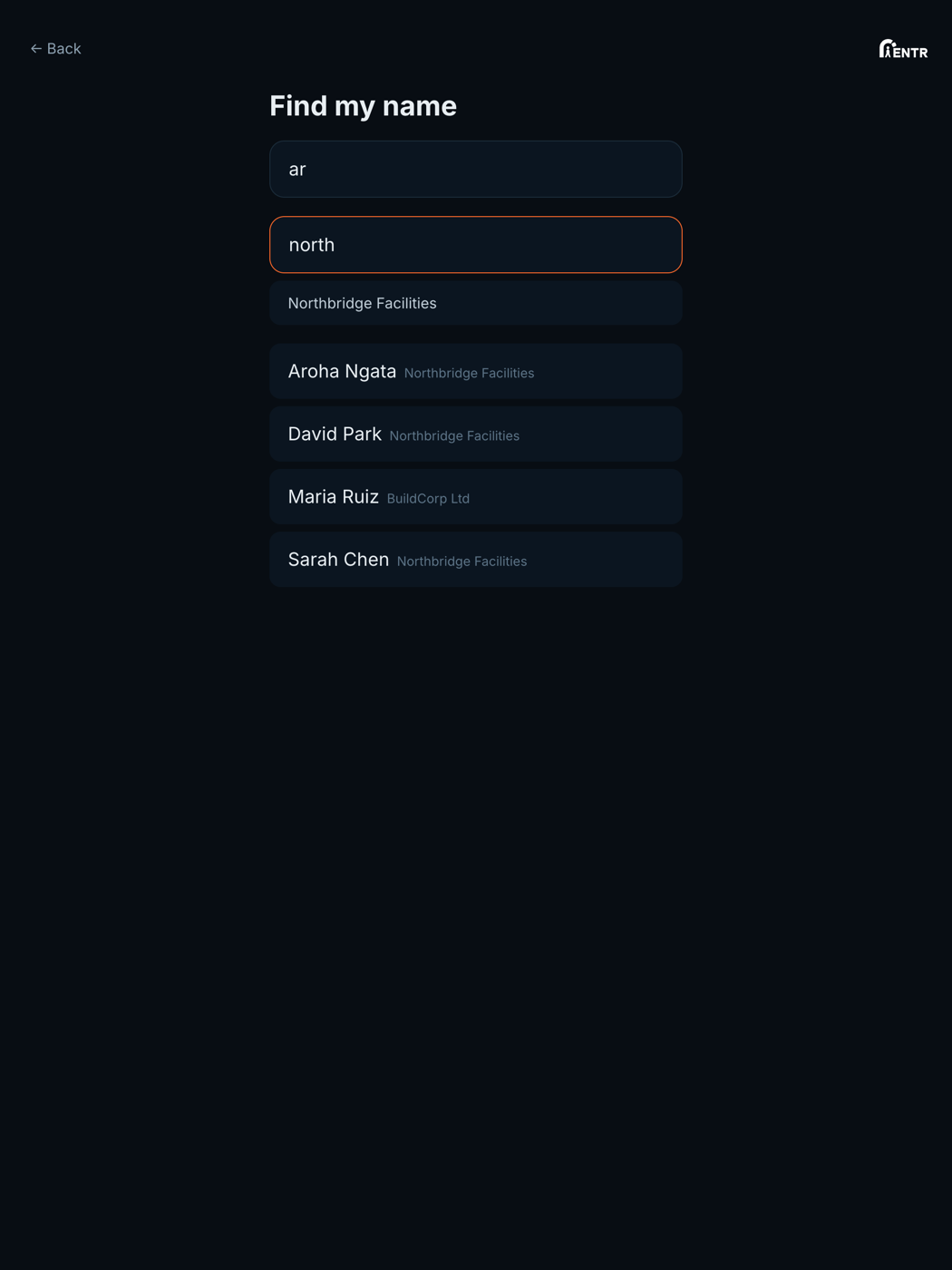
For someone you have already added on the People page. They search their name, optionally filter by company, pick themselves, then go straight to consent plus face capture.
Using iENTR at a construction site? See how the whole system fits your door.
iENTR for construction →Related guides
Try it on one door.
Seven days free, cancel any time. Mount the iPad, pair it with one code and you are running inside half an hour.