
Sites
Zones: restricted areas within a site
Zones are access-controlled areas within a site, like an airside zone or a secure plant room. A terminal assigned to a zone only opens for people you have granted access, everyone else on the roster is refused there and the dashboard shows who is inside each zone live.
5 min read · 4 steps
- 1
What a zone is
Some sites have areas within them that only certain people may enter: an airside zone at an airport project, a plant room, a secure workshop. A zone is such an area. Terminals assigned to a zone only open for people granted access to it; everyone else on the site roster is politely refused there, with an incident logged for your records.
- 2
Create a zone
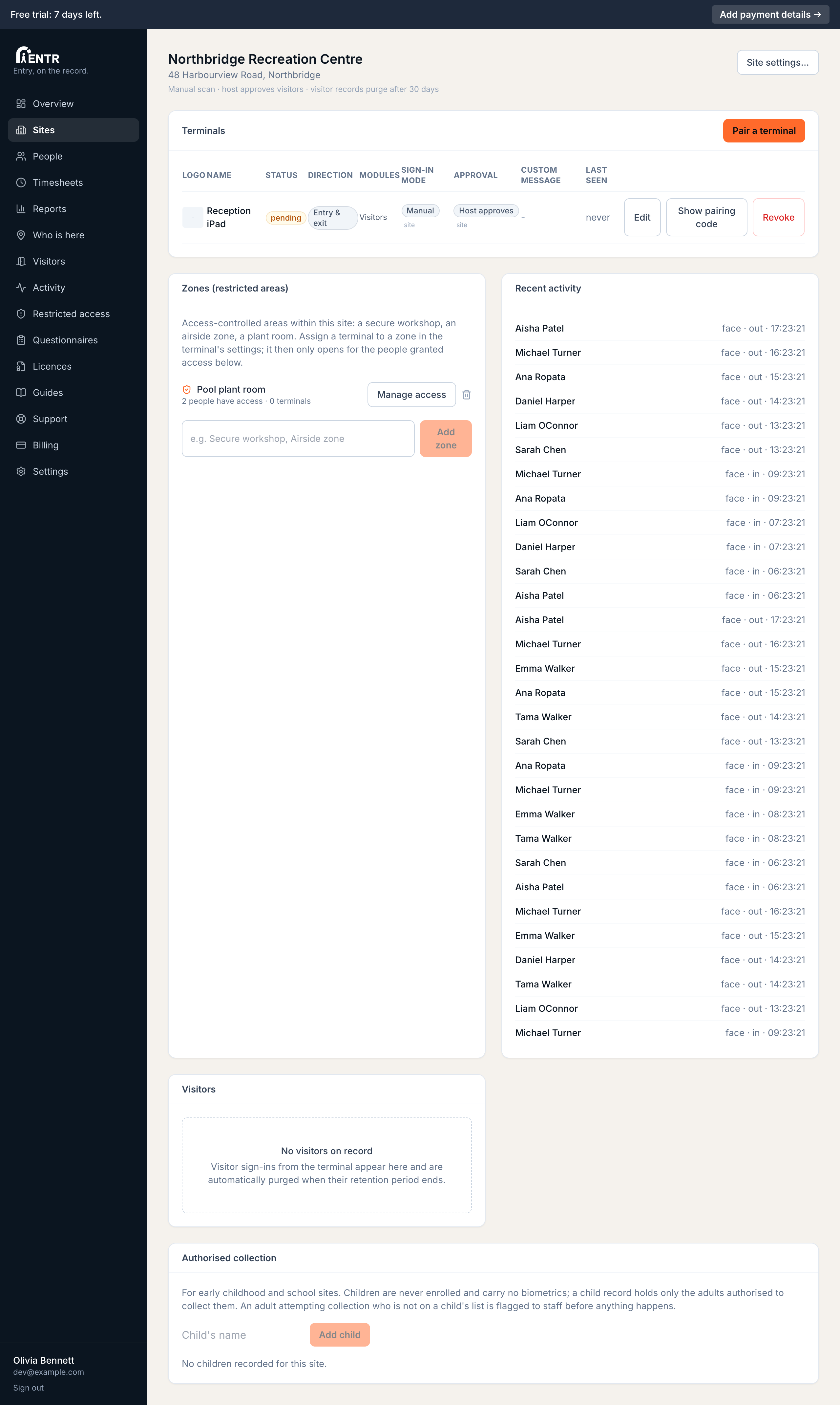
Open the site from the Sites page. The Zones card lists this site's restricted areas: type a name (Secure workshop, Airside zone) then press Add zone.
- 3
Grant people access
Press Manage access on a zone. Search anyone on the site's roster, choose their access duration (permanent, until a date and time, or for a set number of hours or days from now), then press Grant access. Grants can be revoked at any time; timed grants end themselves.
- 4
Assign a terminal to the zone
Two ways, same result. Quickest: press Manage access on the zone, tick the terminal under Terminals guarding this zone. Or edit the terminal itself (site page, Terminals table, Edit) then pick the zone under Access-controlled zone. Either way the terminal shows the zone name on screen plus a Zone label in the Terminals table; people still sign in and out of the SITE at your entrance terminals, while zone terminals control the inner doors.
Zone terminals track who is inside each zone: the Who is here page shows a live Inside restricted zones section. Site presence still belongs to the entrance terminals, so timesheets stay clean.
Using iENTR at a construction site? See how the whole system fits your door.
iENTR for construction →Related guides
Try it on one door.
Seven days free, cancel any time. Mount the iPad, pair it with one code and you are running inside half an hour.